This page summarize how to post a comic on grandpapier.org. The process is pretty straighforward and usually you don’t really need to read this. But just in case it’s here anyway.
Step by step
Once connected to the site you’ll get access to a new admin navigation that let you create a new album (a collection of images).
Data needs to be entered in a specific order:
- 1. Enter a title
- 2. Write a small presentation. You don’t have to but it’s always better for your readers.
- 3. You can also add an image as header or ’banner’ at this point (the format is 150px by 700px).
- 4. You’ll need to decide which kind of album it is. A comic? An illustration book?
- 5. And finally add at least 1 keyword for the genre.
Everything can be change later on.
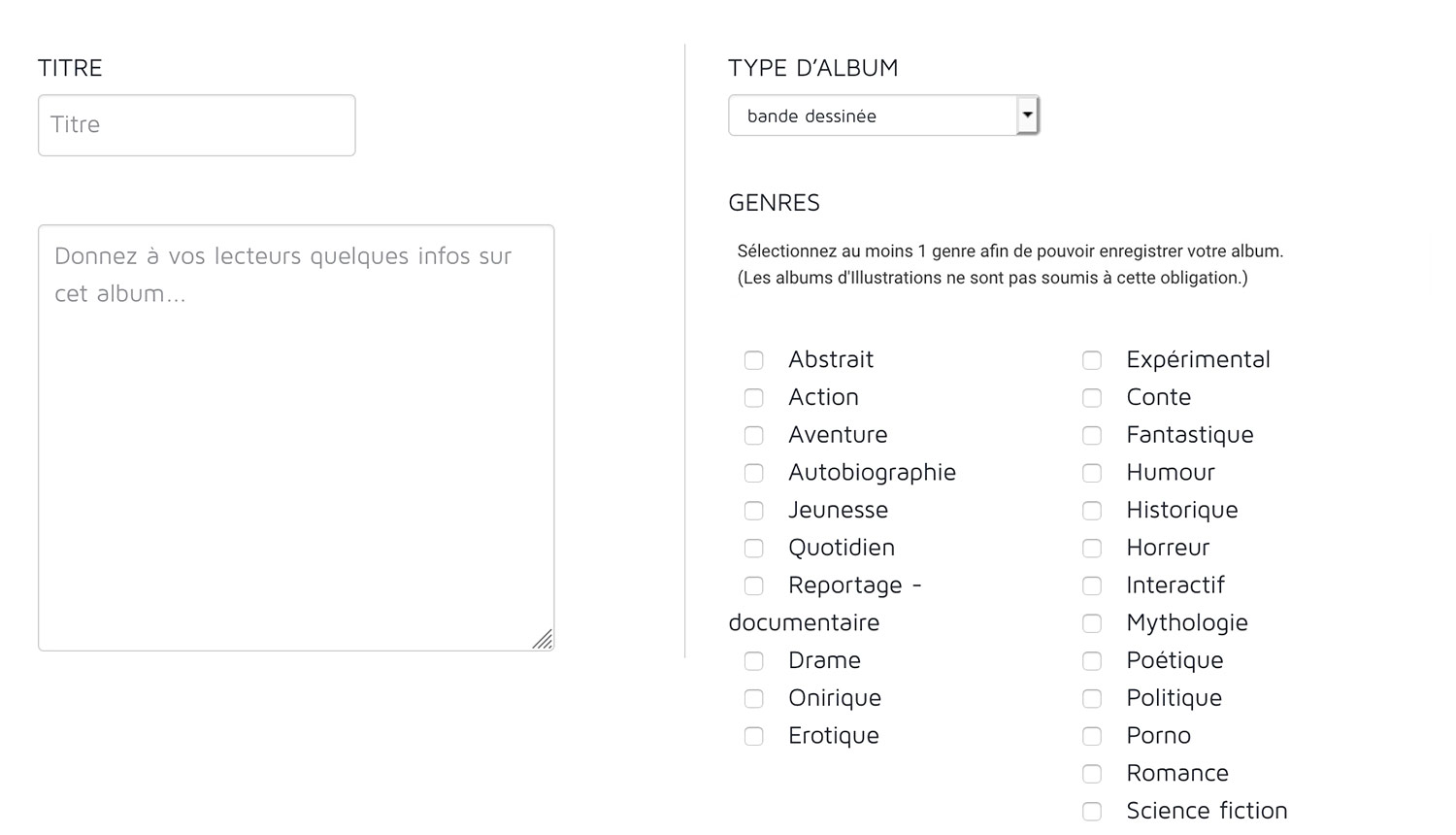
It’s only after saving this step at the bottom of the page that you’ll get other options such as colors for your background and adding the pages to read!
You’ll nee to upload at least 1 page to your story/album to be able to put it online. This can be done from the ’status’ tab which let’s put your album online or even put it in the trash.
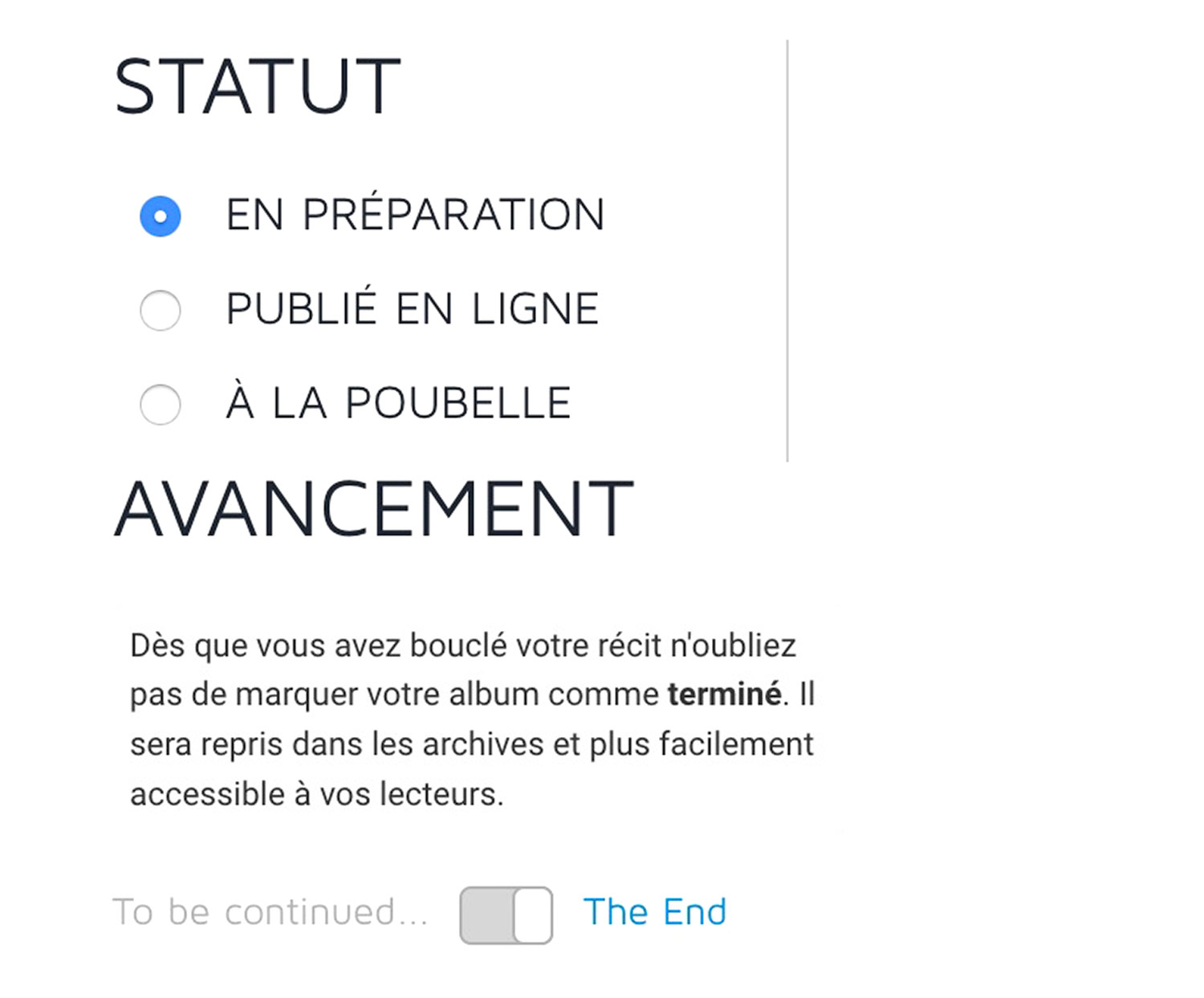
Ending a story the right way
IMPORTANT : On this tab you can also mark an album as finished which will make it clear to readers they reached the end. It’s also necessary so your story finds it ways to the archive of the site.